
Staff Devices Are Becoming AI Workstations
Apple's June 2026 Siri AI update makes staff phones, tablets, and Macs part of the AI policy conversation for Saskatchewan businesses.
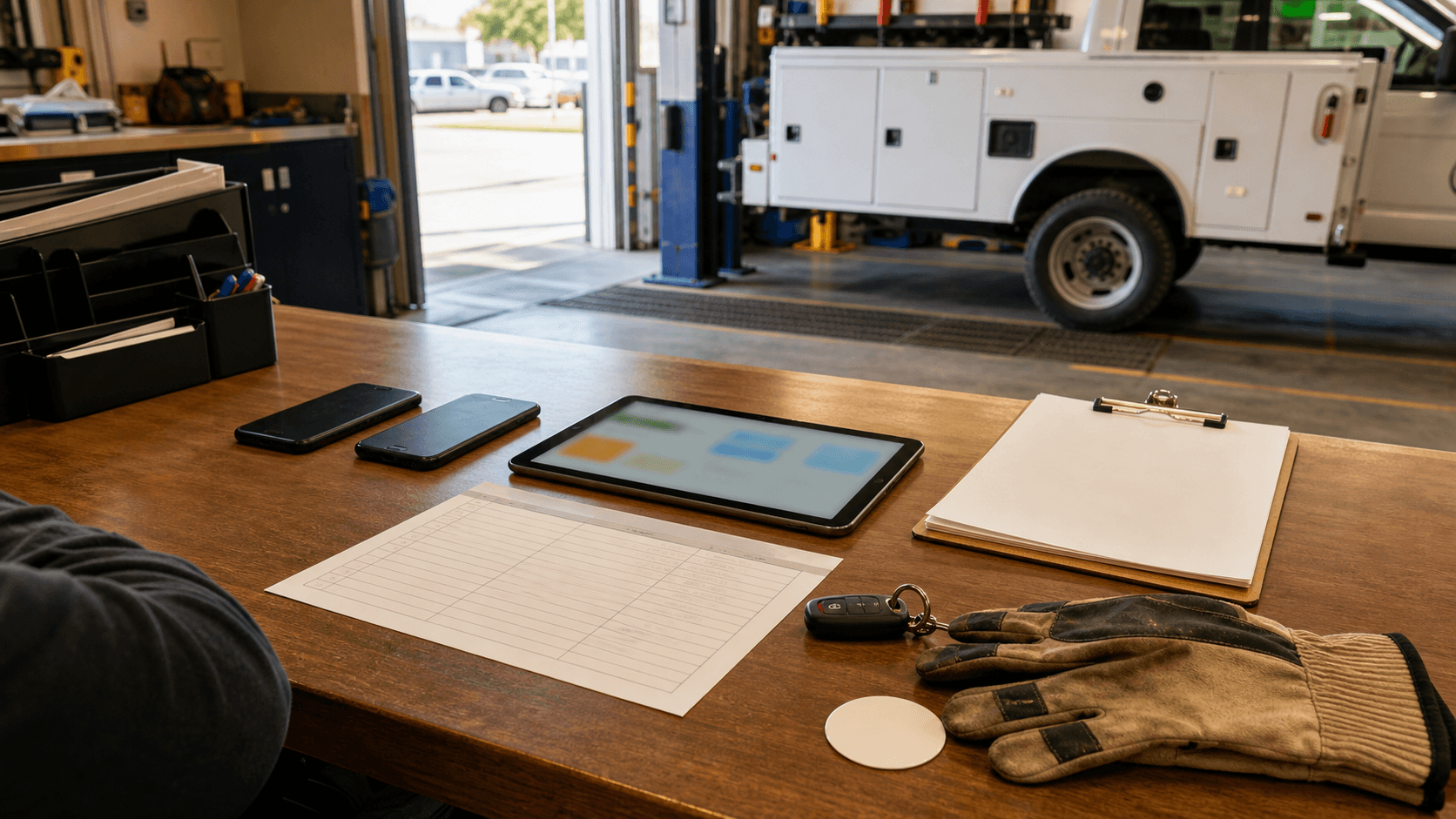
Apple used WWDC on June 8, 2026, to show a rebuilt Siri AI and new Apple Intelligence features that can work across iPhone, iPad, Mac, Apple Watch, and Vision Pro. The business story is not whether Saskatchewan companies should get excited about one assistant. It is simpler: everyday staff devices are turning into AI workstations.
That matters for a contractor with phones in trucks, a clinic with iPads at the front desk, a nonprofit using shared laptops, or a professional services firm where staff mix personal and company devices. AI is moving closer to email, calendars, messages, photos, documents, screenshots, and app actions. A device policy that only says "use a passcode" is starting to look thin.
The decision is about work context
Apple says the next generation of Siri AI is integrated into apps, grounded in user context, and designed with privacy in mind. The Verge reported on June 8 that the new assistant is meant to understand onscreen content, work across Apple devices, and use on-device processing or Private Cloud Compute for more complex requests.
That is useful. It also changes what owners need to ask.
A staff phone may hold customer addresses, appointment notes, before-and-after job photos, invoices, voicemail transcripts, and private texts. A Mac may hold payroll exports, proposal drafts, contracts, insurance forms, and saved passwords. If an AI feature can summarize, rewrite, search, or act across that context, the device becomes part of the workflow system.
For many Regina and Saskatoon businesses, that will be the first place AI appears at work. It may arrive through an operating-system update before the owner has picked an AI platform.
Separate company devices from personal devices
The first practical question is boring and important: whose device is this?
Company-owned devices are easier to govern. You can decide which models are eligible, whether AI features are enabled, what apps are installed, how files sync, and what happens when an employee leaves. Personal devices are messier. Staff may use them for email, texts, photos, forms, dispatch apps, and customer calls, but the business does not control the whole environment.
That does not mean every Saskatchewan SMB needs enterprise device management tomorrow. It does mean owners should sort devices into clear buckets:
- Company-owned devices used for customer, financial, employee, or health information.
- Personal devices that touch business accounts, job photos, customer messages, or shared files.
- Shared front-desk, shop, clinic, or warehouse devices used by more than one person.
- Devices that should never process sensitive work through AI features.
The last bucket matters. Some work should stay outside built-in AI tools until the business has clearer controls.
Privacy claims still need workflow rules
Apple's Private Cloud Compute materials explain a privacy design built around stateless processing, no retained user data after a request, and verifiable server software. Those are serious design choices, and they are better than a vague "trust us" promise.
They still do not answer every business question.
Privacy architecture can reduce exposure, but it does not decide whether a receptionist may summarize a patient note, whether a field tech may use AI on photos from a customer's site, whether a salesperson may paste a private quote into a writing tool, or whether a manager may ask an assistant to search employee messages. Those are business rules.
The Government of Canada guide on generative AI makes a useful point for workplaces: people need to understand the limits of the tool and keep accountability with the person or organization using it. In plain terms, AI support does not move responsibility away from the business.
If your team is trying to decide which device workflows are safe enough for AI help, Prairie AI can map the real data path with you. Book a strategy call and bring one workflow, such as field photos, quote writing, intake notes, or customer follow-up.
Pick three allowed uses before the update arrives
Owners do not need a fifty-page policy. Start with a short allowed-use list for staff devices.
Good early uses usually have low data sensitivity and easy human review. Examples include rewriting a non-confidential email, summarizing a public product page, drafting a staff reminder from approved notes, or organizing a personal task list. These uses save time without giving the assistant private business context it does not need.
Riskier uses need review before they become normal. That includes customer complaint summaries, job-site photos, employee records, contract clauses, health information, payment issues, legal disputes, and anything involving a vulnerable customer. The question is not "can the AI do it?" The question is "should this device be allowed to assemble that context?"
A simple policy can say:
- Use AI on staff devices for low-risk drafting and cleanup.
- Do not use AI for customer, employee, health, payment, or legal information unless the workflow is approved.
- Do not connect personal AI accounts to company files without permission.
- Keep a human review point before anything reaches a customer, supplier, regulator, or employee file.
That is enough to stop most accidental misuse while the business learns what the tools can actually do.
Device eligibility is now part of AI planning
AI features do not land evenly across every phone and laptop. Newer devices get more capability. Older devices may miss features or handle them differently. Region, language, account settings, cloud processing, and managed-device restrictions can all affect what staff actually see.
For an owner, this creates a practical planning problem. A policy that assumes every staff member has the same AI tools will fail quickly. So will a training session that teaches features half the team cannot access.
Before buying devices or approving personal-device use, check:
- Which staff roles need AI assistance for real work.
- Which devices are company-owned, personal, shared, or unmanaged.
- Which accounts sync work data across devices.
- Which workflows need audit trails, supervisor review, or no-AI boundaries.
- Which work can be done in a controlled business app instead of a personal assistant.
This is where a small business can save money. You may not need to replace every device. You may need to tighten account access, write a better device rule, train one role properly, or move a workflow into a controlled automation.
A local example
Picture a service business in Regina with five technicians. Each tech has a phone. Some phones are company-owned, some are personal. They take photos on job sites, text dispatch, receive customer addresses, and sometimes ask an assistant to clean up a note before it goes into the work order.
The useful AI opportunity is not glamorous. It might be a cleaner job-summary workflow: the technician records rough notes, AI drafts a summary, the tech reviews it, and the office gets a consistent update.
The risk sits beside it. Photos may include customer property. Notes may include private access instructions. A personal phone may sync photos to a personal cloud account. A voice assistant may have access to messages or calendar details that do not belong in the work order.
The answer is not to ban every assistant. The answer is to decide which device, which account, which data, and which review step belong in the workflow.
For related local service context, see AI help in Regina, AI help in Saskatoon, and AI help across Saskatchewan.
What I would do this month
Make a one-page device AI memo. Keep it plain enough that staff will read it.
List the devices that touch business data. Mark them company-owned, personal, or shared. Name the three AI uses that are allowed now. Name the uses that require approval. Pick one workflow where AI could help and write down the human review point.
Then test one small improvement. Maybe it is job-note cleanup, meeting-note summarization, quote proofreading, inbox triage, or turning field photos into a draft checklist. Keep the scope narrow. Do not let the assistant make decisions about money, safety, employment, privacy, or customer commitments.
Prairie AI helps Saskatchewan teams turn that kind of memo into practical training, workflow automation, tool selection, or a data/process audit. If you already know the device workflow causing confusion, book a call. If you are still sorting out whether the issue is staff training, device policy, or a custom automation, use the Contact Prairie AI form and describe where staff devices meet customer data.